In the event you have many Metatrader terminals running, you can bring the desired terminal to the front by clicking on the Show terminal button:
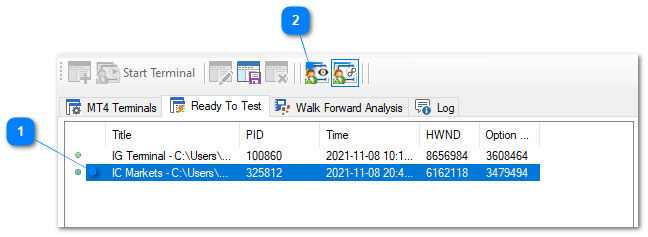
1.Select the terminal you wish to show.
2.Select the Options > Show Terminal menu item or click on the Show Terminal toolbar button.
The nominated Metatrader terminal will then be shown at the front of all applications.