To save all changes to your configuration, select File > Save or click the Save toolbar button. This will ensure all your latest changes are saved for the next time you run the Advanced Tester.
|
<< Click to Display Table of Contents >> Navigation: Using the Advanced Tester > Managing MT4 Terminals > Saving the configuration |
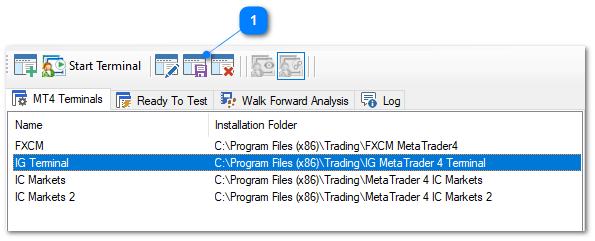
To save all changes to your configuration, select File > Save or click the Save toolbar button. This will ensure all your latest changes are saved for the next time you run the Advanced Tester.